What people ask before they upload their first file.
What is keyword clustering?
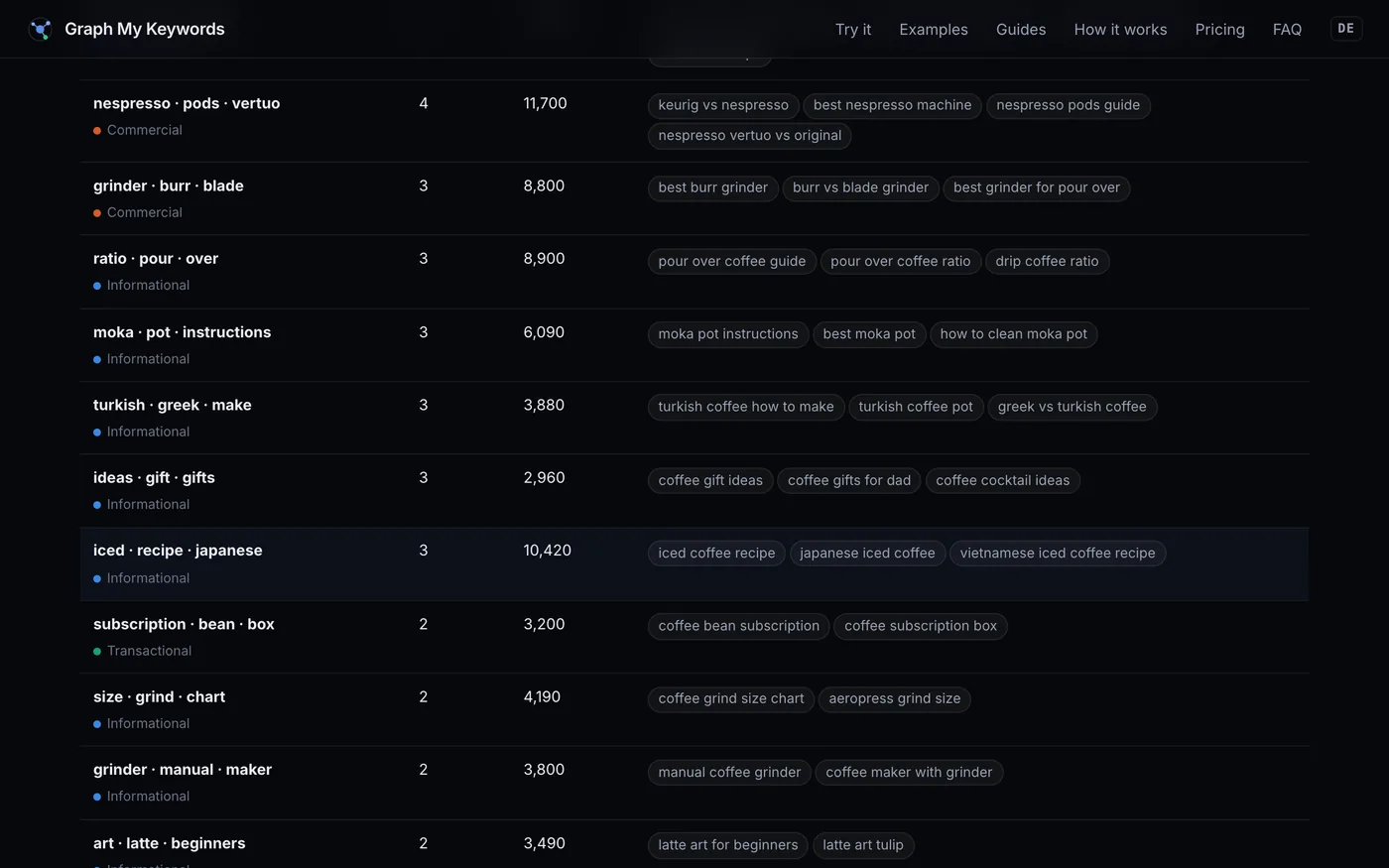
Keyword clustering is the process of grouping a large keyword list into sets of terms that share the same search intent, so each group becomes one page rather than many thin, competing pages. It is the step between keyword research and actually writing content — see the full guide.
Is this keyword clustering tool really free?
Yes. Files of up to 5,000 keywords are free with no account and no card. The analysis runs on your own machine, so there is nothing for a bigger file to cost. Larger sets are free too — email info@graphmykeywords.com and you get an unlock code back.
Do my keywords get uploaded anywhere?
No. The language model runs inside your own browser tab, so your CSV is read, embedded and clustered on your device. Nothing is sent to a server, which also means no data-processing agreement is needed to use it at work.
Can it analyse my website, not just keywords?
Yes. Drop in a crawl export from Screaming Frog and the tool maps your existing pages into topics, lists the on-page and technical problems the crawl can prove — broken pages, thin content, duplicate titles, orphans — and shows pages covering the same topic that do not link to each other. It never fetches your site itself: you run the crawler, and the file is read on your device like any other.
Which CSV files does it accept?
Any export with a keyword column — Google Search Console, Ahrefs, Semrush, Google Ads Keyword Planner, or a plain list. The keyword column is detected automatically, and comma, semicolon and tab separators all work.
How is this different from grouping keywords by common words?
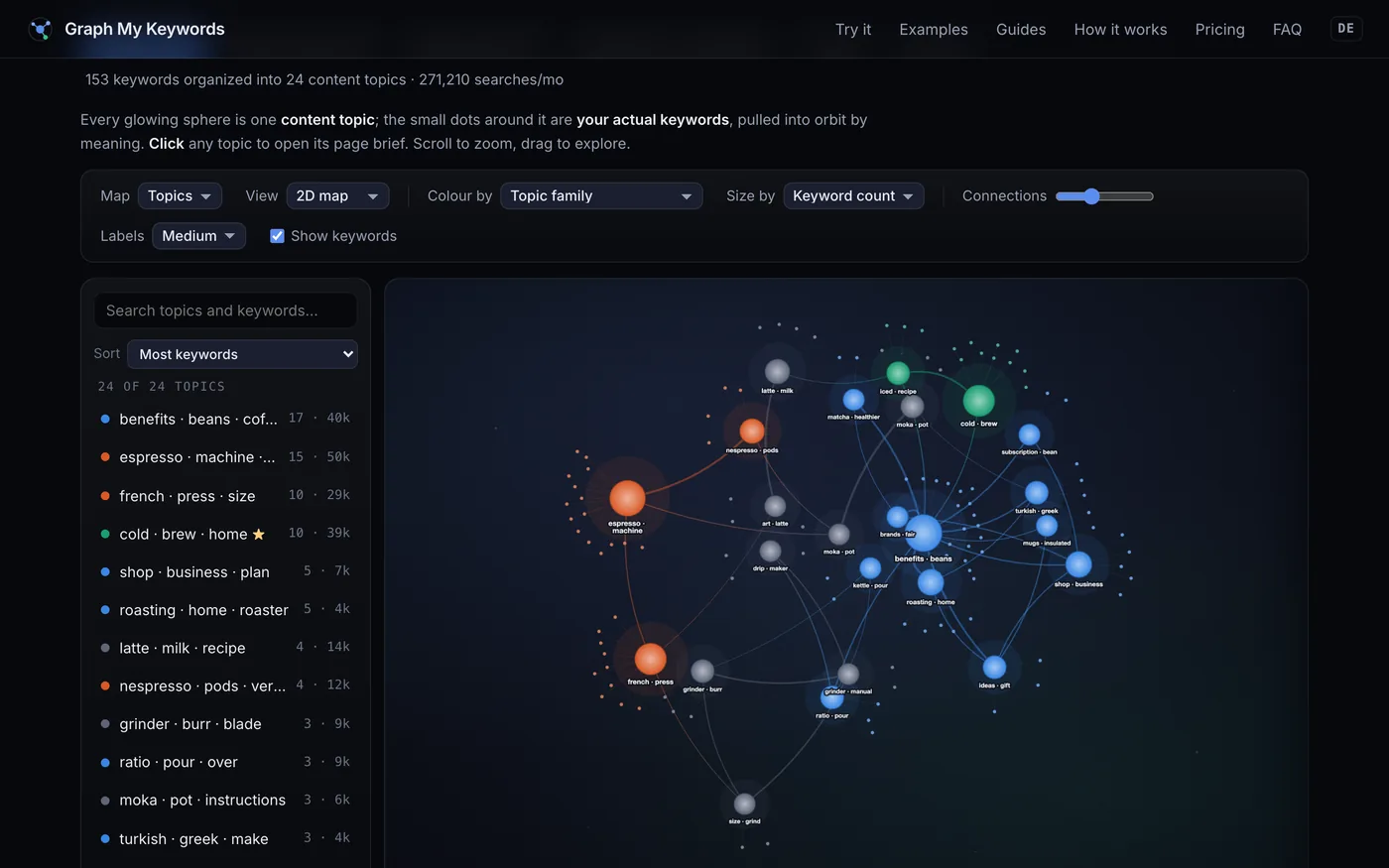
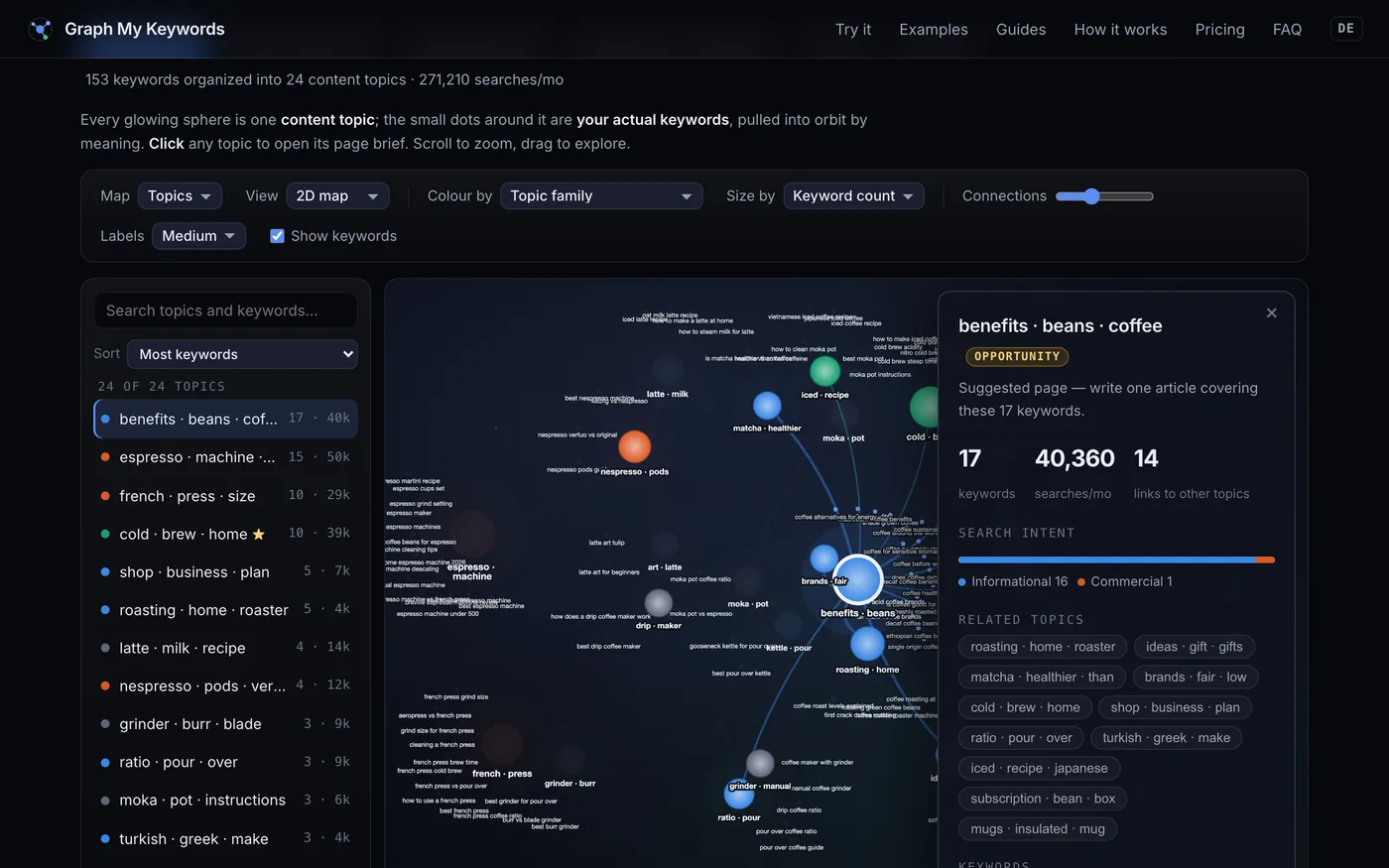
Word matching puts “cold brew ratio” and “how to make cold brew” together but misses that “iced coffee recipe” belongs with them. This tool compares meaning using sentence embeddings, so keywords group the way a reader would group them rather than the way a spreadsheet filter would.
Is there a free keyword grouper?
This is one. Upload a CSV and every keyword is grouped by meaning — free with no account up to 5,000 keywords, and free on request above that. There is no tag list to write and no paid tier, because the grouping runs on your own device rather than on a server we have to pay for.
Can I group keywords in Excel instead?
Yes, and for a few hundred keywords you probably should — here are the formulas, including the SEARCH and TEXTJOIN tag matcher most people are after. The limit is that a spreadsheet matches characters, so it cannot see that two phrasings with no shared words mean the same thing.
Which model does it use?
all-MiniLM-L6-v2, a compact sentence-embedding model that turns each keyword into a 384-dimensional vector. It downloads once, is cached by your browser, and then runs offline.
Can I export the clusters?
Yes. Export the clusters as a CSV to hand to a writer or drop into a content calendar, and export the topic map as a PNG for reports and client decks.